Settings Page
The Settings page lets you configure your server’s AsyncAnticheat integration.
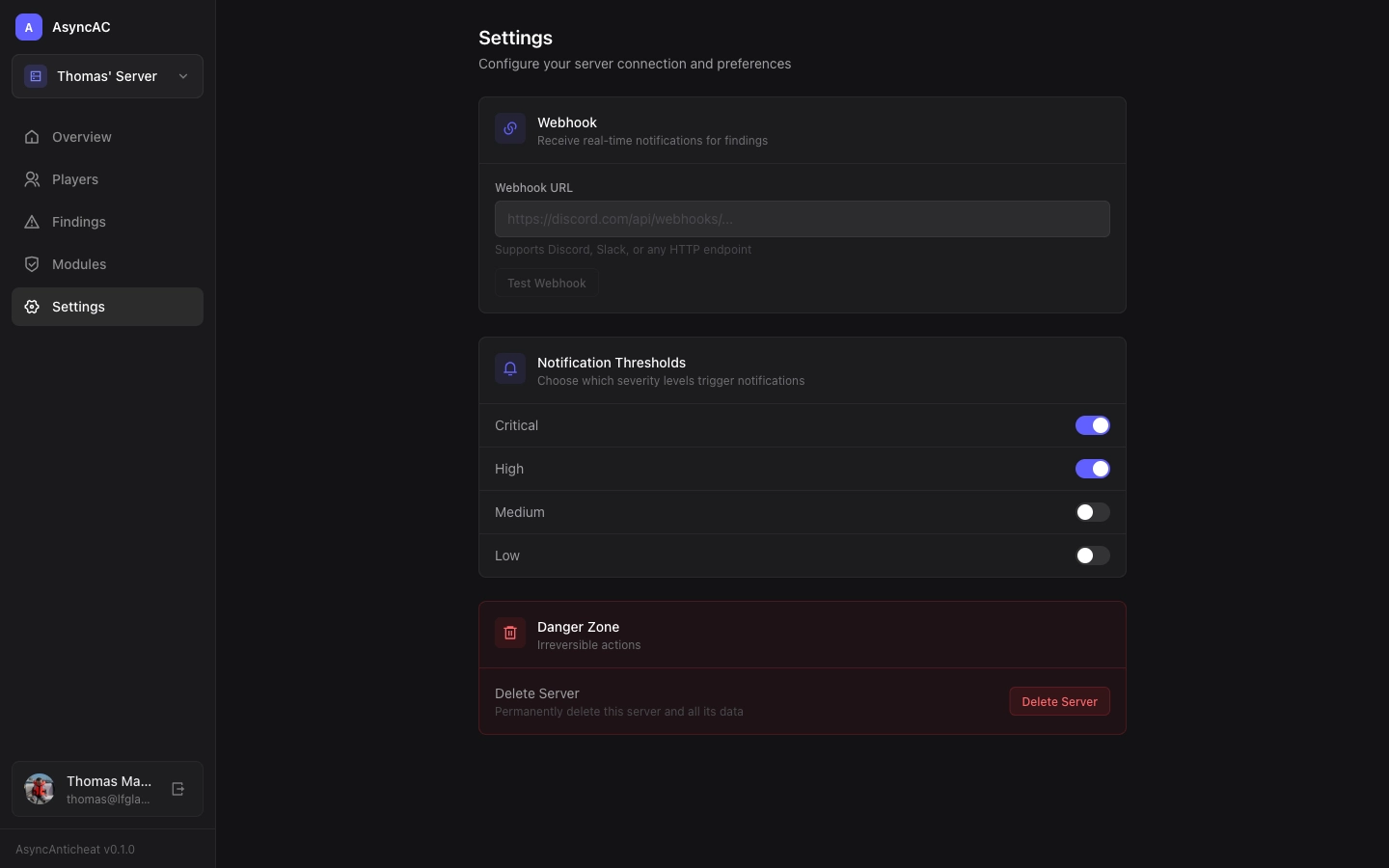
Server Information
View your server’s basic information:
- Server ID - Unique identifier for API calls
- Server Name - Display name in the dashboard
- Platform - Paper, Folia, etc.
- Registered - When you first linked the server
API Token
Your server’s API token is used by the plugin to authenticate with the API.
Security note: Never share your API token publicly. If compromised, regenerate it from this page.
Regenerating Your Token
If you need a new token:
- Click “Regenerate Token”
- Copy the new token
- Update your plugin configuration
- Restart your Minecraft server
Server Name
You can rename your server for easier identification in the dashboard:
- Click the edit icon next to the server name
- Enter the new name
- Click Save
Danger Zone
Delete Server
Permanently removes this server and all associated data:
- All findings
- All player sessions
- All module configurations
This action cannot be undone.
Plugin Configuration
Most settings are configured in the plugin’s config file on your Minecraft server. See Configuration for details.
Last updated on