Players Page
The Players page shows all players who have connected to your server, with their session history and detection status.

Player Cards
Each player appears as a card showing:
- Avatar - Minecraft head from mc-heads.net
- Name - Player’s Minecraft username
- Last seen - When they were last on the server
- Findings count - Number of detections
- Sessions count - Number of play sessions
- Online indicator - Green dot if currently online
Filtering Players
Use the filter buttons to focus on specific players:
| Filter | Shows |
|---|---|
| All | Every player who has connected |
| Online | Players currently on the server |
| Flagged | Players with at least one finding |
Use the search box to find players by name or UUID.
Player Details
Click a player card to open the detail sidebar:
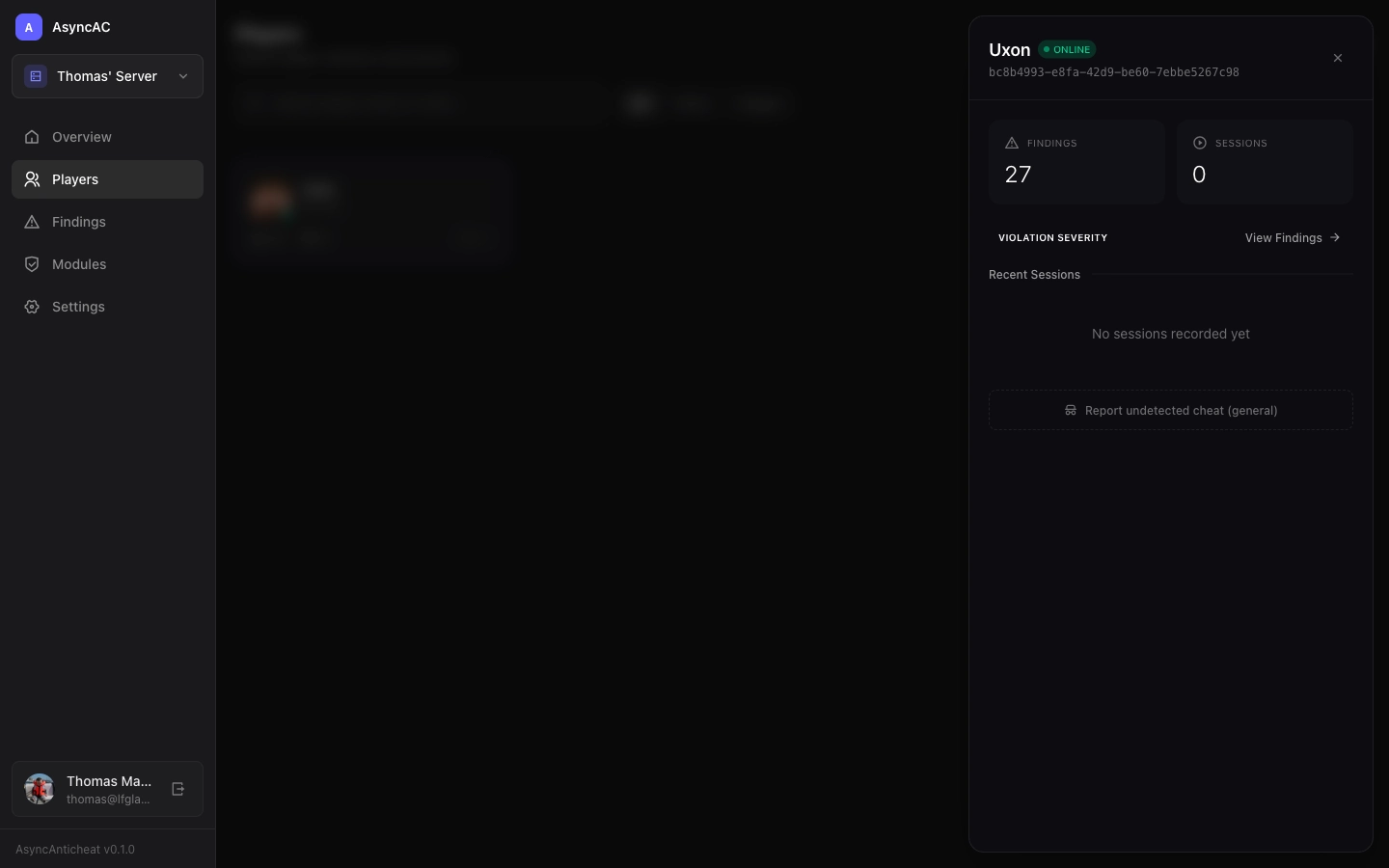
Session History
View all sessions for this player:
- Duration - How long they played
- Findings - Detections during that session
- Date/time - When the session occurred
Actions
- Report undetected cheat - Flag suspicious behavior that wasn’t detected
Reporting Undetected Cheats
If you know a player was cheating but wasn’t flagged:
- Click the player card
- Click “Report undetected cheat”
- Fill out the form:
Required information:
- Cheat type - What kind of cheat (speed, flight, aimbot, etc.)
- Description - What you observed
- Timeframe - When it happened (select within the session)
Optional but helpful:
- Evidence URL - Link to video recording
- Additional context - Any other relevant details
See Reporting Issues for more details.
Online Status
A player is considered “online” if they sent data within the last 5 minutes. The green dot indicator shows their real-time status.
Session Tracking
Each time a player joins and leaves your server, it’s recorded as a session. Sessions help you:
- Track play patterns
- Correlate cheating with specific time periods
- Identify ban evaders with similar session patterns
Last updated on